






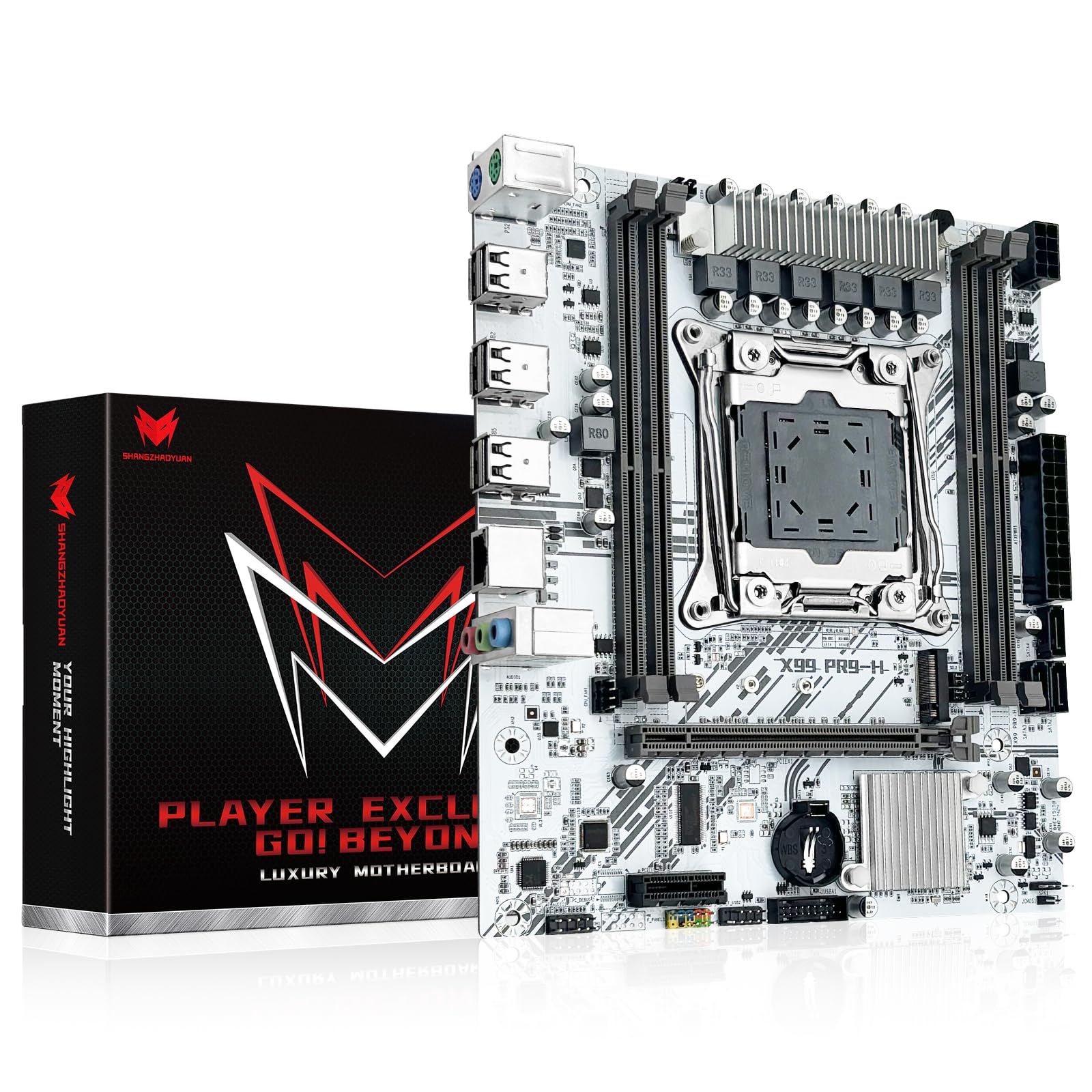
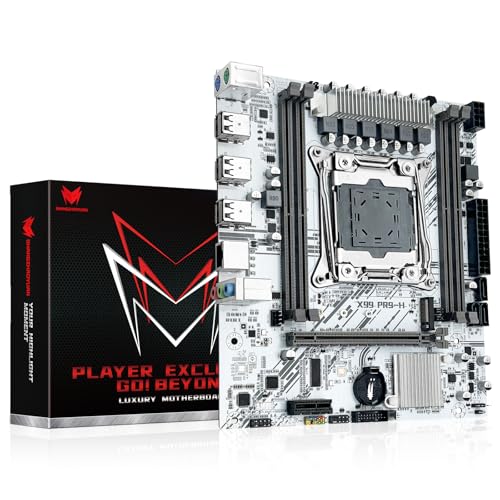
X99 LGA 2011-3 Motherboard for Intel Xeon E5 V3/V4 and Core i7 Series Processors (Micro ATX, DDR4 Max 128GB, PCIe 3.0, M.2 Protocol, Gigabit LAN) PC Server Mainboard, X99 PR9-H White
Inhouse product

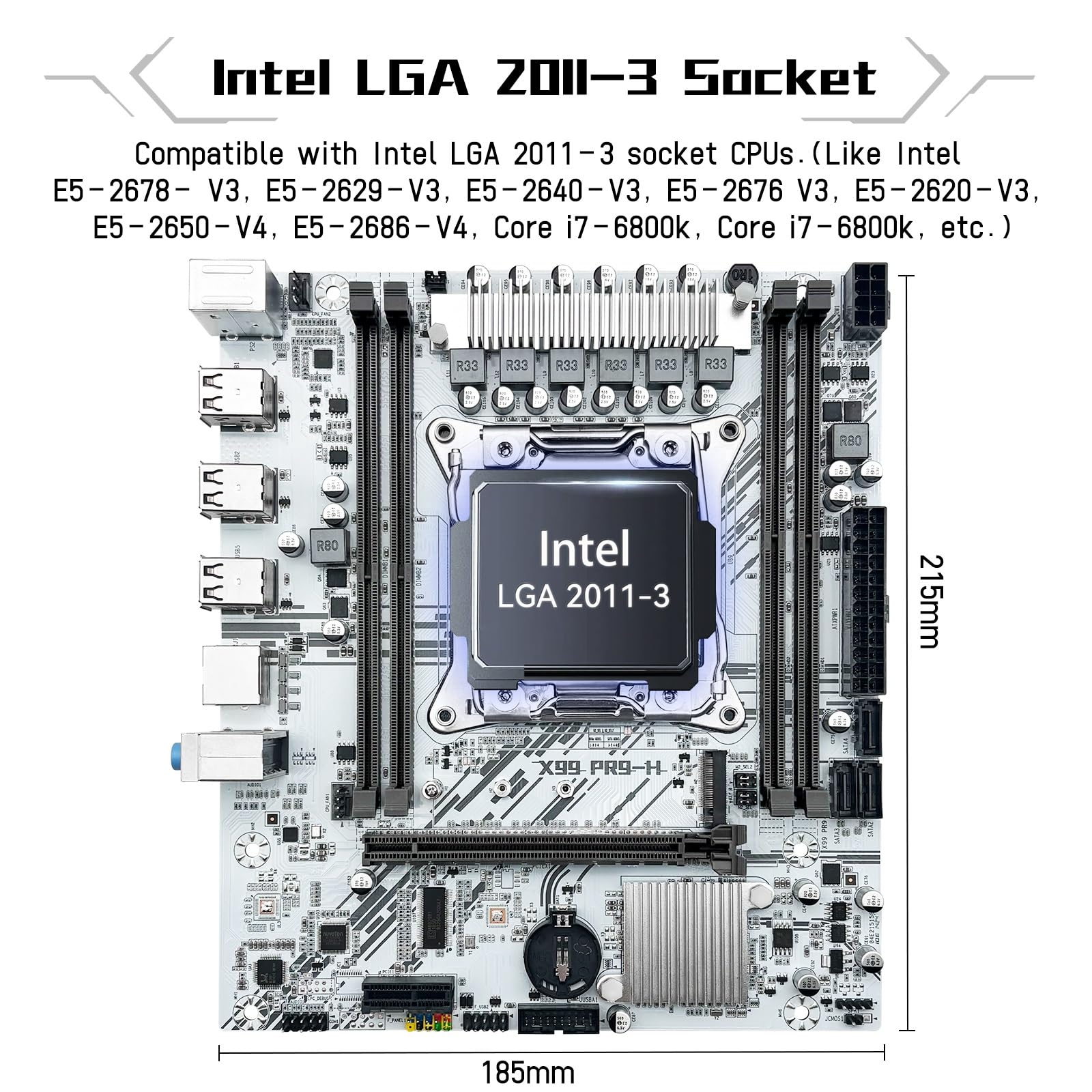
- LGA 2011-v3 Motherboard: Supports full range CPU processors with LGA 2011-3 socket (such as Intel i7 6950X/6900K/6850K/6800K/5960X/5930K/5820K, Xeon E5 1620/1680/2666/2680/2696 V3, E5 1607/2630/2650/2680/2696 V4, etc.)
- Dual Channel DDR4: The X99 server motherboard has 4 DDR4 RAM slots,supports DDR4 ECC/RECC/Non-ECC memory, dual channel and the maximum memory is up to 128GB (2133/2400MHz)
- Game connectivity: The X99 Gaming mainboard is PCIe 3.0 capable, with NGFF/NVME M.2 slot, USB 2.0, PS/2, Gigabit LAN port and SATA 2.0 ports; and this placa base has the fastest speed of NVME M.2 slot (PCIe 3.0 x4) up to 3600M/S
- Network & Sound Card: This X99 DDR4 motherboard has a Realtek 8111H 1000Mbps LAN port, Realtek ALC897 audio codec and 2.1 channel, which provides studio-grade sound quality for study, gaming and work
- High-performance motherboard: 6-layer PCB M-ATX motherboard design; 24+8 pin DC power supply interface, strong heat dissipation, use of full solid capacitor and optimized circuit layouts enable stable power supply to CPU
- DIY-Friendly: The Intel LGA2011-3 motherboard is convenient in a M-ATX case; pre-assembled I/O shield, CPU cooler bracket and a SATA cable are included. The user manual for the motherboard is not included, Please ask us on Amazon to get the manual file if you need
- Warm Tips: If the white motherboard is DOA, cannot boot and has other problems, please let us know on Amazon so that we can help you. We recommend Driver Talent/DriveTheLife or Windows 10 system, which can help you solve all driver problems. The motherboard does not include a CR2032 battery, please purchase one yourself
Product description Frequently Asked Questions Computer won't start, fan doesn't spin, indicator lights are off Check CPU compatibility or damage; check motherboard and CPU power supplies; check power button cable; check power switch on; check power supply; disconnect graphics card, hard drive, USB devices, etc., then try powering on again; clear CMOS. The fan spins briefly and then immediately shuts off, or the computer repeatedly restarts Clear the CMOS; check CPU and memory compatibility or damage; disconnect the graphics card, hard drive, USB devices, etc., and then try powering on. The fan is spinning, but pressing the Caps Lock key on the keyboard doesn't activate the indicator lights Try clearing the CMOS; checking that the motherboard and CPU power supplies are properly connected; checking for CPU and memory compatibility issues or damage; and checking that the memory is installed correctly. The fan is spinning. Pressing the Caps Lock key on the keyboard illuminates the indicator light, but there is no display Check if the monitor is powered on or damaged; check if the display data cable is properly connected or damaged; check if the graphics card is working properly. Blue screen, system crash Check if the CPU cooling fan is spinning and if the cooling fan base is properly seated on the CPU; replace the CPU, memory, hard drive, operating system, and power supply. Warm Tips: The motherboard user manual is not included in the packaging. You can request the online manual if needed. The motherboard does not include a CR2032 battery.
Related products



Contact Info
- Address: 1900 W Littleton Blvd, Littleton, CO 80120, United States