


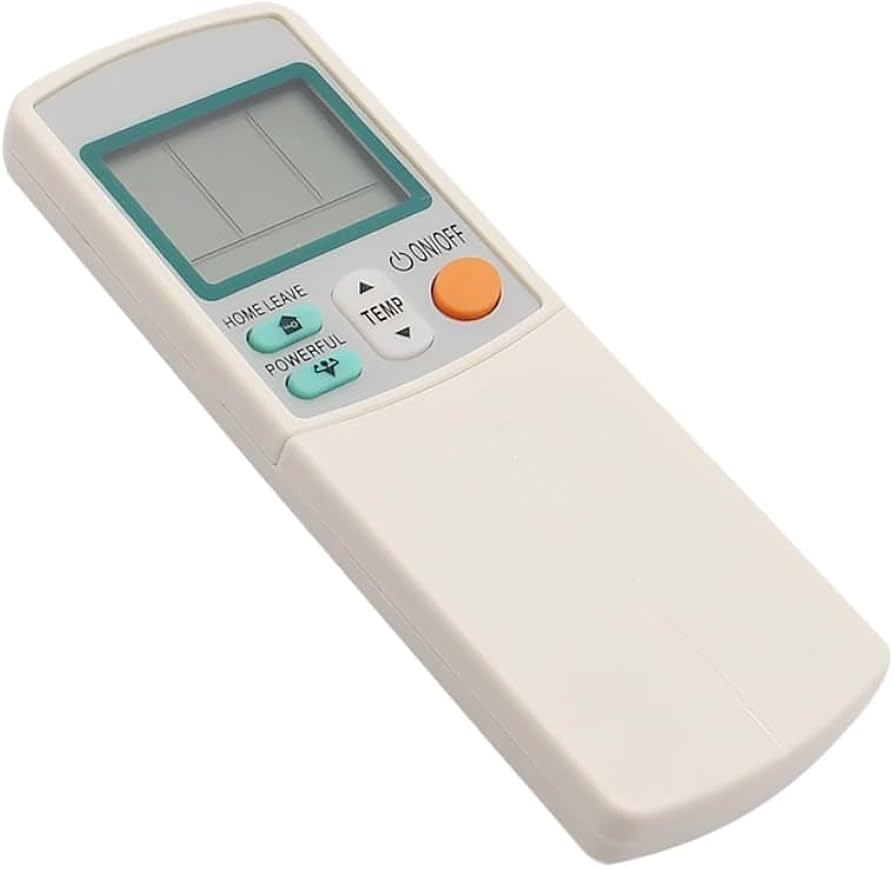
Meliya Universal Air Conditioner A/C Remote Control K-1028E, Compatible with Mitsubishi, LG, Samsung, Fujitsu, Sharp, Hitachi, Panasonic, Gree, Toshiba, Haier, Midea, Sanyo Air Condition
Inhouse product
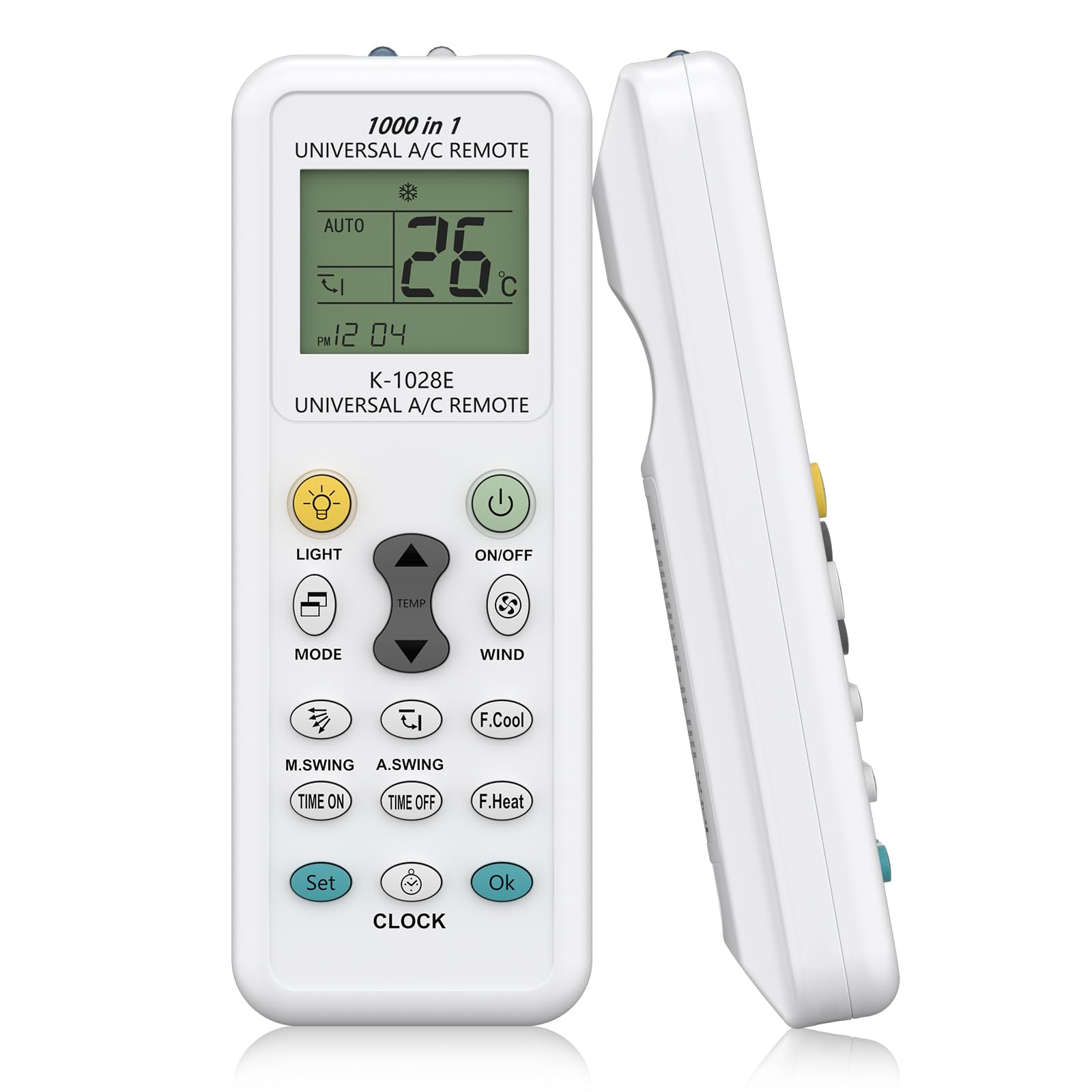
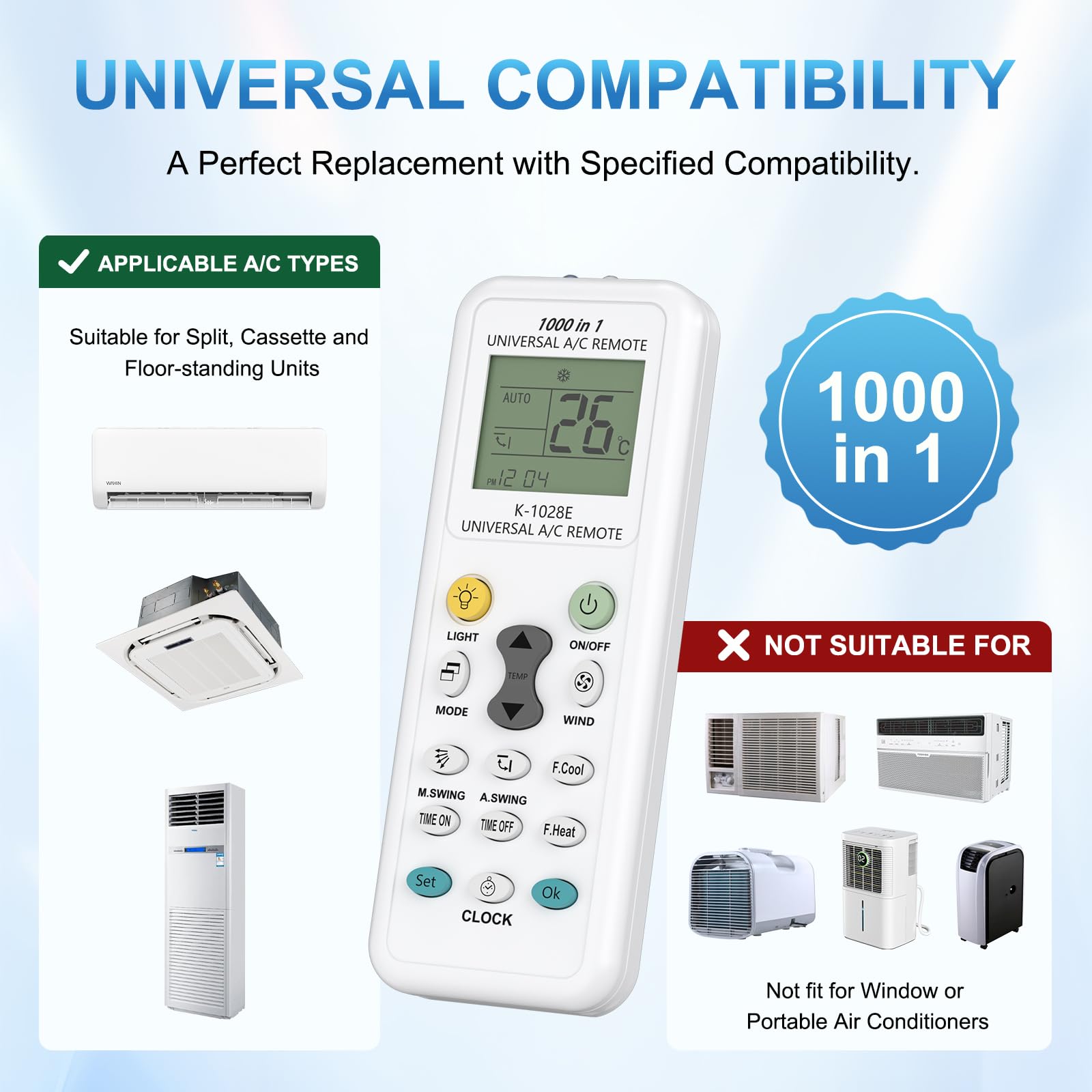
- 【Wide Compatibility】The K-1028E universal remote is compatible with over 1000 brands, including Mitsubishi, LG, Samsung, Fujitsu, Sharp, Hitachi, Panasonic, Gree, Toshiba, Haier, Midea, Sanyo. Ideal for replacing lost or damaged remotes. Please check the code images before purchasing to ensure compatibility with your specific air conditioner model. (NOT fit for WINDOW and PORTABLE air conditioner )
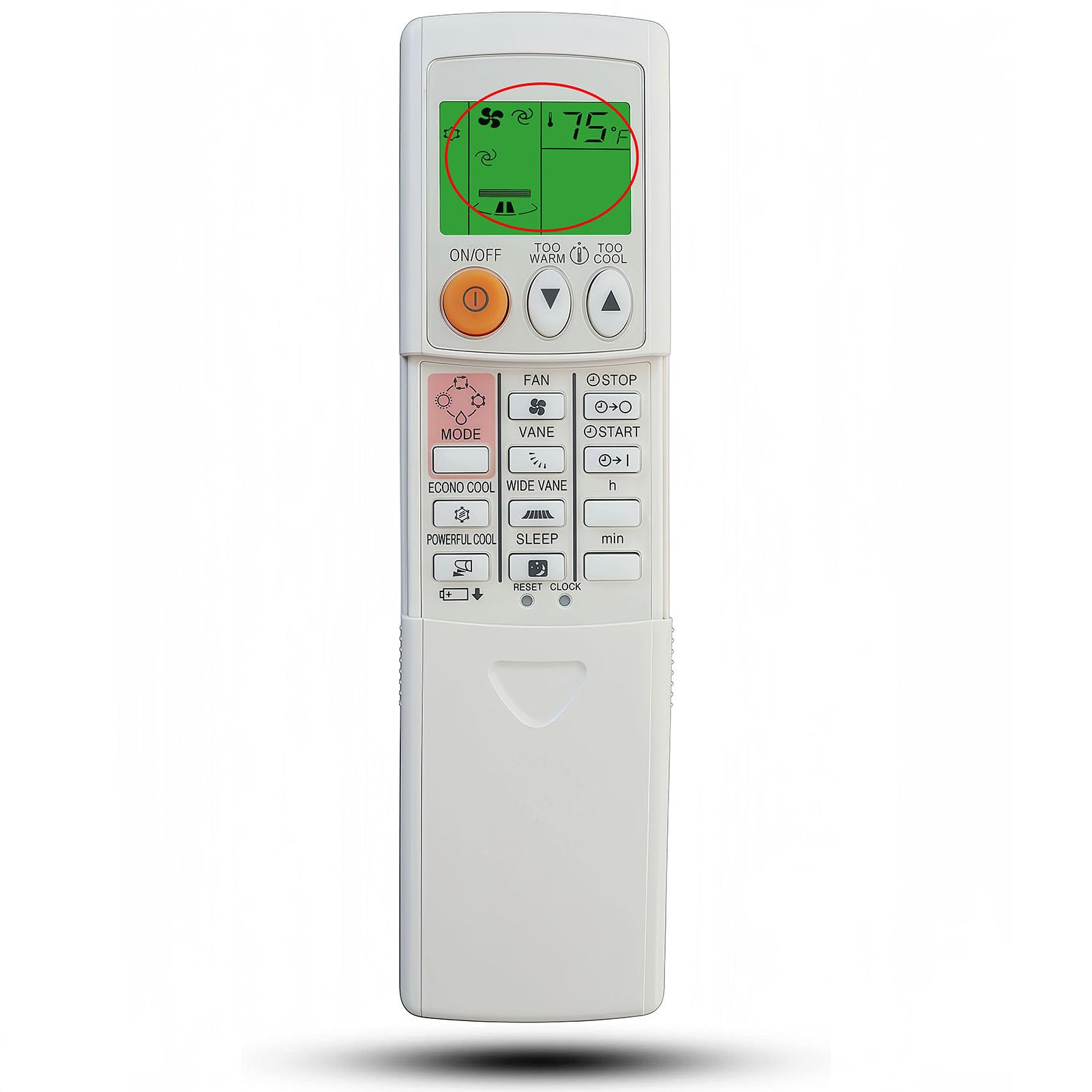
- 【Complete Functions】Includes convenient features like clock, timer, factory default settings, and fast cooling/heating options. Ensure compatibility with your air conditioner's timer function before purchase.Equipped with LED light for easy use in the dark. Equipped with a large LCD screen for easy setup and operation.
- 【Stable Performance】Our remote control features stable performance, with precise control up to 8~10 meters and allows you to operate the air conditioner from anywhere in the room, providing comfort without having to get close to the unit.
- 【Easy to Use】Ready to operate by inserting 2 AAA batteries (not included), no additional setup required. A simple and quick option to replace original remote.
- 【Package Include】Includes 1 x AC Remote Control, 1 x User Manual. Please contact with us if you have any qustions about our remote, we will solve it as soon as possible within 24 hours!
Specifications Compatibility: Compatible with up to 1000 air conditioner brands. LCD Display: Includes a digital display for greater clarity and ease of use. Quick Setup: Simple programming for multiple models. Memory Function: Retains settings after power-off. Power Supply: 2 AAA batteries (not included). Compact Dimensions: Lightweight and ergonomic design. Frequently Asked Questions 1. How do I program the remote to work with my air conditioner? The K-1028E includes a manual with brand-specific codes. Simply enter the code corresponding to your air conditioner following the instructions, or use the automatic search mode to find the correct code. 2. Is this remote compatible with all the functions of my original air conditioner? In most cases, the K-1028E allows you to control the main functions such as power on/off, temperature, and operating modes. However, some advanced functions specific to certain models may not be available. How to Use: Step 1: Switch on the power of the air condition manually. Point the remote control at the air conditioner and press and hold the "SET" button for 3 seconds until the code flashes in the lower right corner of the LCD screen of the remote control; Step 2: Press the "SET" button again to start the automatic code search procedure. You can see the code change automatically on the LCD screen. (To adjust the code manually, just press the temperature "UP" or "DOWN" button); Step 3: Until you hear a “beep” sound from the air conditioner, it means that the codes match, then press the “OK” button, and the pairing is successful! Note: Air conditioners may have multiple supported codes. In this case, you can try the above procedure again to enter the correct code.
Related products




Contact Info
- Address: 1900 W Littleton Blvd, Littleton, CO 80120, United States